Website Speed Optimization: A Practical Checklist
A fast website helps people reach information with less waiting, especially on mobile connections. Performance work is most effective when it starts with measurement and targets the largest sources of delay instead of making random changes.
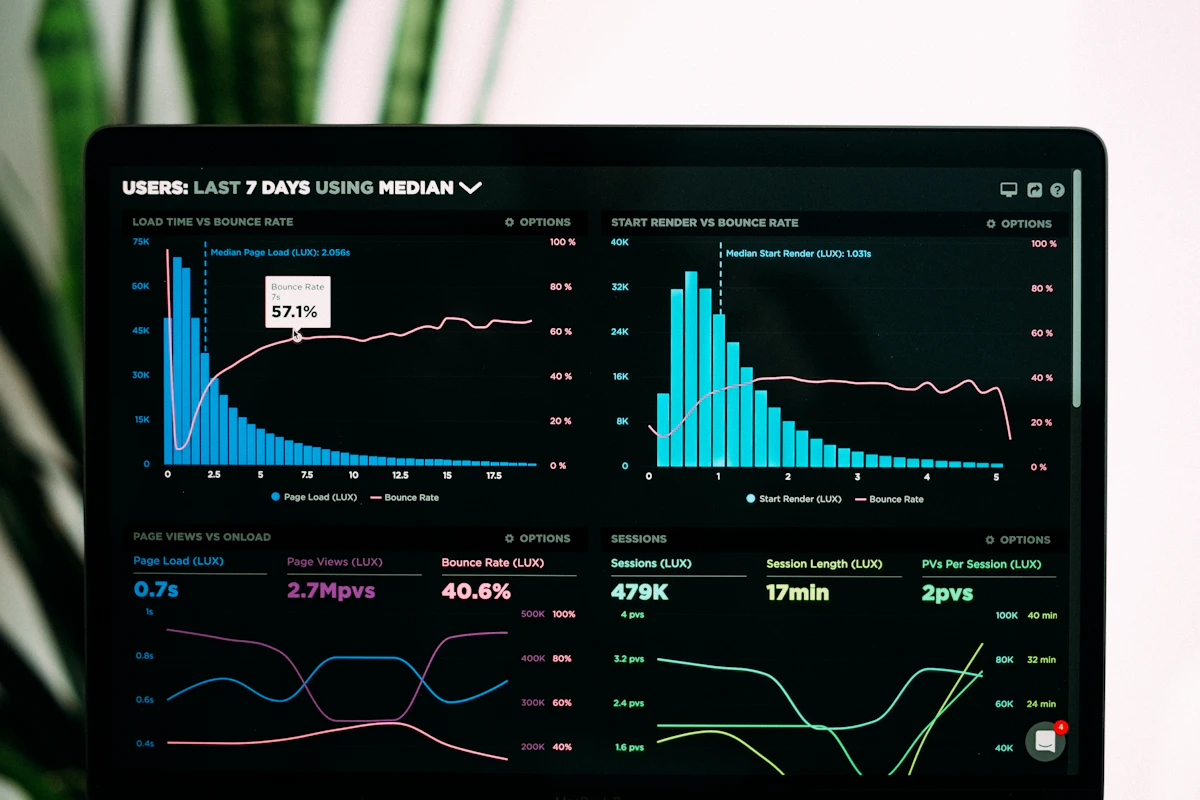
Measure before changing
Use a performance testing tool and test several representative pages. Record the results before making changes so you can tell whether an improvement actually helped. Laboratory tests can differ from real-user conditions, so interpret a score as a diagnostic clue rather than the whole user experience.
Optimize images
Large images are a frequent cause of slow pages. Resize images to the dimensions they are displayed at, compress them and consider modern formats supported by your audience’s browsers. Use responsive image sizes where appropriate. Avoid loading a huge original photo into a small card.
Reduce unnecessary code
Remove unused scripts, styles and third-party widgets when it is safe to do so. Every external tool can add network requests and sometimes block rendering. Keep essential functionality, but ask whether each script provides enough value to justify its cost.
Use caching and suitable hosting
Caching can reduce repeated work for returning visitors. Static assets can often be served with cache headers, while hosting configuration influences response times and reliability. Confirm settings before changing them, because incorrect cache rules can cause stale content.
Improve the first visible screen
Visitors often notice the content that appears first. Make sure the main heading and key visual load promptly, and avoid delaying them with unnecessary animations or scripts. Lazy-load images that are well below the initial viewport, but do not lazy-load the primary image if doing so delays the page’s main content.
Check fonts and third-party services
External fonts, maps, chat widgets and analytics scripts may add extra requests. Use only the font weights you need and review whether third-party services are essential. Keep an eye on privacy implications when embedding external tools.
Test on mobile networks
A page that loads quickly on a fast office connection may feel slow on a phone. Test at different screen sizes and connection conditions. Check that layout shifts do not move buttons or text just as a person tries to interact with them.
Repeat and document
After each change, test again and record what improved. Avoid changing many unrelated things at once, because that makes it difficult to identify the cause. Performance is ongoing work: new images, plugins and marketing scripts can affect the results later.
This article is general educational information. Requirements and best practices can vary by project, platform and jurisdiction. Verify details that affect your own website before making technical or business decisions. Have a topic suggestion? Email info@iconicsofttech.tech.