
WEB DEVELOPMENT
Website Development Basics: A Beginner’s Guide
A website is more than a collection of pages. It is a structured way to help people understand a business, find information and complete tasks. This g...
Read full guide →Detailed, practical and beginner-friendly guides about website development, design, accessibility, search visibility, security and the tools that help businesses build a useful online presence.
Choose a guide below to explore a topic in more detail. Each article includes practical considerations and a checklist you can adapt to your own project. These resources are educational and are reviewed for clarity; always verify technical settings and requirements for your specific platform.
A website is more than a collection of pages. It is a structured way to help people understand a business, find information and complete tasks. This g...
Read full guide →
Good website design is not just about appearance. It helps visitors understand where they are, what they can do next and how to complete a task withou...
Read full guide →
Search engine optimization helps search engines understand a website and helps people discover relevant pages. It is a long-term process, not a guaran...
Read full guide →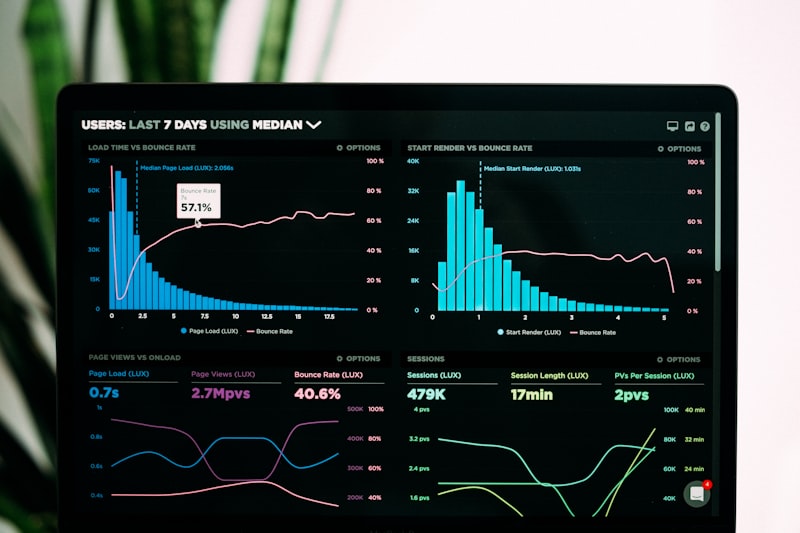
A fast website helps people reach information with less waiting, especially on mobile connections. Performance work is most effective when it starts w...
Read full guide →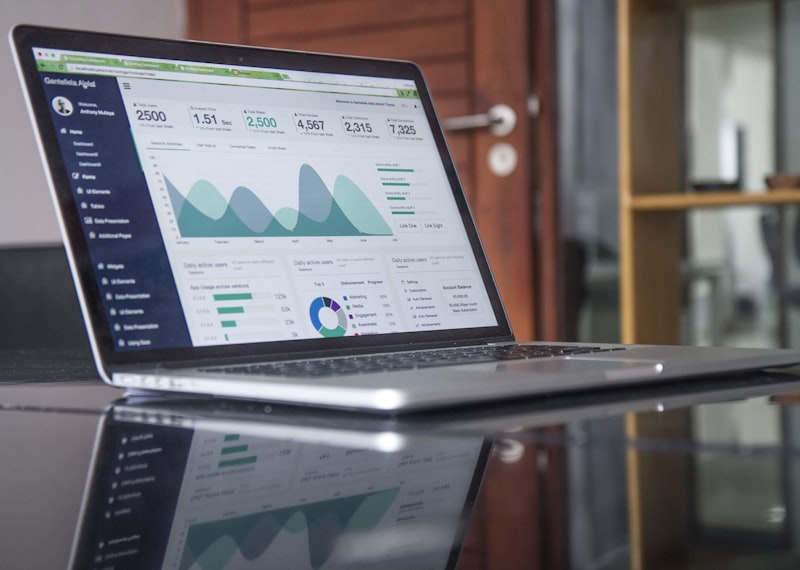
A domain name and web hosting are related but different parts of a website. Understanding the distinction makes it easier to buy the right services, t...
Read full guide →
Responsive web design allows a page to adapt to different screen sizes and interaction styles. It is not simply a smaller desktop page: it requires co...
Read full guide →
An online store needs more than attractive product photos. Customers need accurate product information, predictable delivery details, clear policies a...
Read full guide →
Website security is a set of ongoing habits rather than a single plugin or certificate. Small businesses can reduce common risks by limiting access, k...
Read full guide →
A content plan helps a website answer visitor questions consistently instead of publishing pages at random. The best plan connects the audience’s need...
Read full guide →
Accessible websites are designed so more people can perceive, understand and use the content. Accessibility is not a final visual polish; it affects s...
Read full guide →A regular maintenance routine helps prevent small website issues from becoming bigger problems. The exact tasks depend on the platform, but most sites...
Read full guide →A landing page should help a specific audience understand an offer and decide whether to take a next step. Good pages are focused, accurate and easy t...
Read full guide →
A content management system can help teams create, edit and organize website pages without changing code for every update. The right choice depends on...
Read full guide →Website analytics can help answer questions about how people discover and use a site. It is most useful when the team starts with a clear question and...
Read full guide →
Colour and typography influence readability, mood and the way a brand is recognized. A consistent system makes pages easier to scan and maintain, whil...
Read full guide →
Many websites combine a front end that visitors interact with and a back end that handles data or server-side tasks. Understanding the distinction hel...
Read full guide →A wireframe is a simplified plan of a page. It focuses on structure and content rather than final colours or polished visuals. Wireframes help teams d...
Read full guide →
Backups help a website recover from accidental deletion, failed updates or other incidents. A good strategy includes more than creating a copy: the co...
Read full guide →
Forms are often where visitors ask for help, request a quote, subscribe or submit information. A clear form explains what is needed, helps people corr...
Read full guide →
Choosing a web professional is easier when the business knows what it needs and how success will be judged. A portfolio matters, but communication, sc...
Read full guide →